Before sending cryptocurrency, verify the recipient address by checking the network, comparing the complete address on your trusted device, confirming the asset type, and—when practical—sending a small test transaction first. Do not rely only on the first or last few characters, a copied address, or a QR code. Blockchain transfers are often difficult or impossible to reverse, so a careful verification process is one of the most important wallet security habits.
Why wallet address verification matters
A crypto wallet address is a destination identifier for a specific blockchain or network. It is not a universal bank account number. The same asset may be available on multiple networks, and an address format that looks familiar may still be unsuitable for the transaction you intend to make.
A mistake can happen in several ways:
- You send an asset over the wrong network.
- You copy an address belonging to a different person, service, or account.
- Malware replaces a copied address before you paste it.
- You approve a transaction to a malicious smart contract instead of sending to the intended wallet.
- You trust a fake support account, website, invoice, or payment request.
Some exchanges and wallet providers may have recovery procedures, but recovery is not guaranteed and may involve technical, operational, or legal limitations. Treat every outgoing transaction as potentially final.
Step 1: Confirm the asset and network
Start by identifying exactly what you are sending. “Ethereum,” an Ethereum-based token, and a token with a similar name are not necessarily interchangeable. Likewise, an asset may be offered on more than one network. Review the sending wallet and receiving platform side by side and confirm:
- The asset name and ticker symbol.
- The network selected for the withdrawal or transfer.
- The network supported by the receiving wallet or platform.
- The address format expected by the recipient.
- Any required memo, tag, payment ID, or destination note.
Network support is time-sensitive and can vary by provider. Check the current deposit or withdrawal instructions in the receiving service’s official app or website rather than relying on an old screenshot, search result, or message from another person.
A compatible-looking address does not prove that the transfer will be credited. Some networks use similar address formats, while deposits to the wrong network may require support intervention or may be unrecoverable.
Step 2: Obtain the address from a trusted source
Use a reliable source for the recipient address. If you are sending to your own wallet, open the receiving wallet directly and use its current receive screen. If you are paying an exchange, merchant, or service, access the destination through its official app or manually entered website address.
Be cautious with addresses received through:
- Unsolicited direct messages or emails.
- Search advertisements and unofficial support pages.
- Social media replies claiming to represent a company.
- Screenshots, image files, or scanned documents.
- Old saved addresses that have not been independently confirmed.
For recurring payments, verify the address again when the payment instructions change. A previously used address is not automatically safe for a new transaction.
Step 3: Compare the complete address
After pasting or scanning the address, compare the entire string with the trusted source. At minimum, carefully inspect the beginning, middle, and end, but a full comparison is safer. Some malicious software monitors the clipboard and substitutes a different address after you copy the intended one.
Do not assume that an address is correct because the first and last characters match. A fraudulent address can be designed to look similar, and an address-poisoning attack may place a visually familiar address in a transaction history. When possible, compare the address on a second trusted screen or use a wallet feature that displays a verified address book entry.
For high-value transfers, consider reading the address aloud from the trusted source while another person independently checks it on the sending device. This is not a replacement for technical verification, but it can help identify copying and transcription errors.
Step 4: Check the wallet’s warnings and confirmation screen
Before approving the transaction, review every field shown by the sending wallet. Confirm the asset, amount, destination address, network, and any fee displayed by the wallet or service. If the wallet presents a warning, do not dismiss it automatically. Research the warning using the wallet provider’s official documentation or contact support through an official channel.
Be especially careful when a website asks you to connect a wallet and sign a message or approve a token allowance. A wallet connection is not always the same as a simple transfer. Smart-contract interactions may authorize actions such as spending tokens or moving assets. Read the transaction details and understand what you are approving before signing.
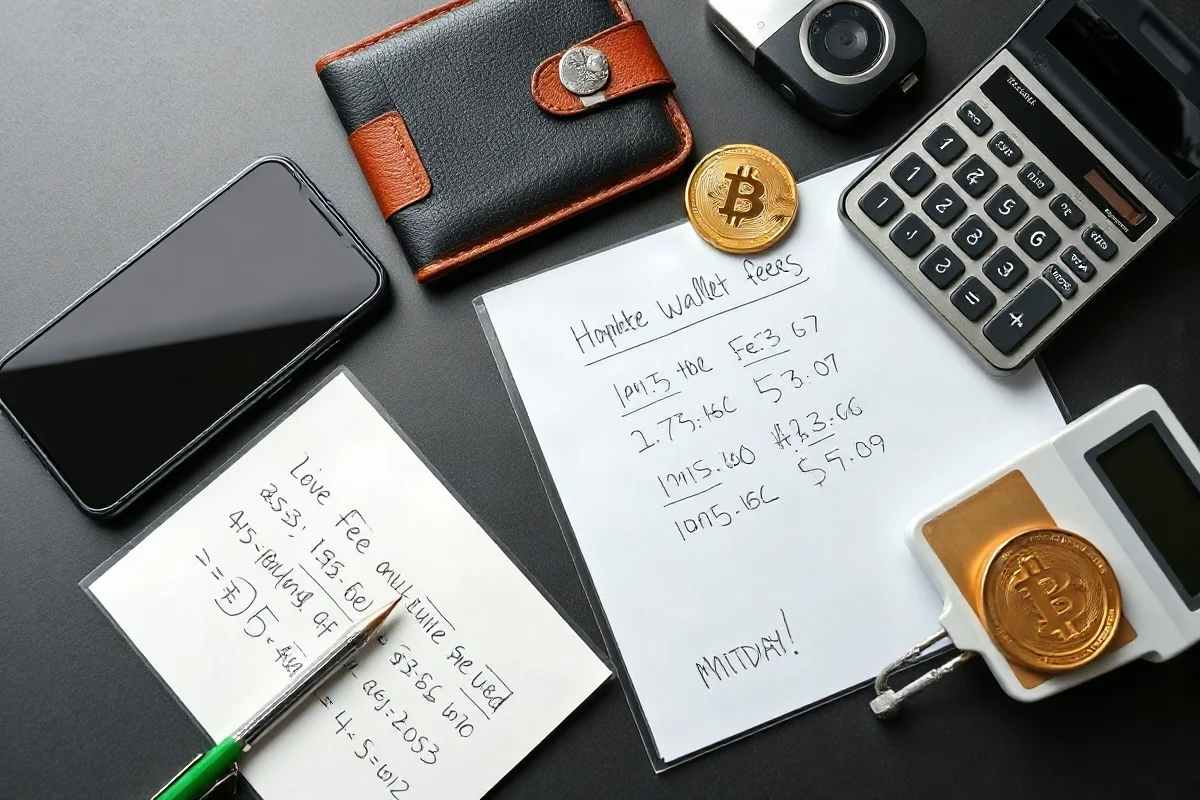
Transaction fees and processing conditions can change with network activity and provider policies. For an educational estimate of how fees affect a transfer, you can review the ক্রিপ্টো ফি ক্যালকুলেটর, but use the current fee shown by your wallet or exchange when submitting the transaction.
Step 5: Send a small test transaction
When the recipient and network support it, send a small test amount before transferring the full balance. The test amount should be small enough that losing it would not create serious financial harm, while still meeting any minimum deposit or transfer requirement.
Wait for the receiving wallet or platform to show the test deposit according to its current confirmation policy. A transaction appearing on a block explorer may not mean that an exchange or custodial service has credited it yet. Verify the deposit inside the recipient’s official account before sending more funds.
A test transaction reduces the risk of a large mistake, but it does not prove that every later transaction is safe. Recheck the address, network, and asset each time. Dynamic deposit addresses, changing payment instructions, and separate memo requirements can make an old verification irrelevant.
Step 6: Verify transaction details after sending
Save the transaction ID, also called a transaction hash, from the sending wallet or service. You can use the relevant blockchain explorer to review the destination address, asset, amount, network, and confirmation status. Only use a reputable explorer appropriate for the network involved, and avoid entering private keys, recovery phrases, or passwords into any explorer.
Compare the explorer record with your intended transaction. If the destination is wrong, contact the receiving service or wallet provider promptly, but understand that a provider may not be able to reverse or recover the funds. Never pay an unknown person who promises guaranteed recovery in exchange for an upfront fee or private wallet information.
Common wallet address scams and technical risks
Clipboard replacement malware
Clipboard malware can replace a copied wallet address with one controlled by an attacker. Reduce this risk by checking the pasted address character by character, keeping your operating system and security software updated, and avoiding suspicious browser extensions or unofficial wallet applications.
Address poisoning
Address poisoning involves sending tiny or unwanted transactions from an address that resembles one in your transaction history. If you later copy a familiar-looking address without checking it fully, you may send funds to the attacker. Select saved addresses from a verified address book or obtain the destination directly from the recipient instead of copying from transaction history.
Fake support and impersonation
Legitimate support teams generally do not need your seed phrase or private key. Never share those credentials, even if someone claims that they are required to fix a failed transfer. Use the provider’s official support page, and do not trust contact information supplied by an unsolicited message.
QR-code manipulation
QR codes can reduce typing errors, but they are not automatically trustworthy. A QR code may contain the wrong address, network information, or payment amount. After scanning, inspect the decoded details on the wallet’s confirmation screen and compare them with the trusted payment request.
How to use a wallet address book safely
An address book can make repeat transfers easier, but it should be treated as a convenience feature rather than proof of ownership. Label entries clearly with the recipient and network, and verify a new address before saving it. Avoid reusing a label when the network or asset changes.
Some platforms add withdrawal delays, address whitelisting, or confirmation requirements after an address is added. These controls can improve operational security, but their availability and exact behavior depend on the provider. Review the current settings directly in your account.
What to do if you made a mistake
If you sent funds to the wrong address or network, act quickly but stay cautious. Record the transaction ID, destination address, asset, amount, and time shown by your wallet. Contact the receiving exchange, wallet provider, or merchant through its official support channel. Provide the requested transaction details, but never provide a seed phrase, private key, password, or remote access to your device.
If the transaction was caused by a compromised device or wallet, stop using that environment for additional transfers. From a clean device, review account security, revoke suspicious permissions where appropriate, update credentials, and move remaining assets only after you understand the risk. A security professional may be useful for a significant loss or suspected malware infection.
A practical pre-send checklist
- Am I sending the correct asset?
- Is the selected network supported by the recipient?
- Did I obtain the address from an official or independently verified source?
- Did I compare the complete address after pasting or scanning?
- Is a memo, tag, or payment ID required?
- Does the wallet confirmation screen match my intended transaction?
- Have I considered a small test transfer?
- Have I checked the current fee and any minimum deposit or withdrawal requirement?
- Can I safely afford the amount if recovery is impossible?
Final safety perspective
Verifying a crypto wallet address is not a single glance at a string of letters and numbers. It is a repeatable process: confirm the asset and network, obtain the address from a trusted source, inspect the complete destination, review the transaction type, test with a small amount when practical, and verify the result afterward. These steps cannot eliminate every risk, but they can reduce common errors and make suspicious requests easier to identify.
For broader educational resources, explore ওয়ালেট ও নিরাপত্তা and the site’s ক্রিপ্টো ক্যালকুলেটরসমূহ. Tools and guides can support decision-making, but they cannot replace careful address verification or current instructions from the relevant wallet, network, exchange, or merchant.
Comments
0No comments yet. Be the first to share a helpful note or question.
Leave a Comment
Your email address will not be published. Comments are reviewed before appearing on the site.