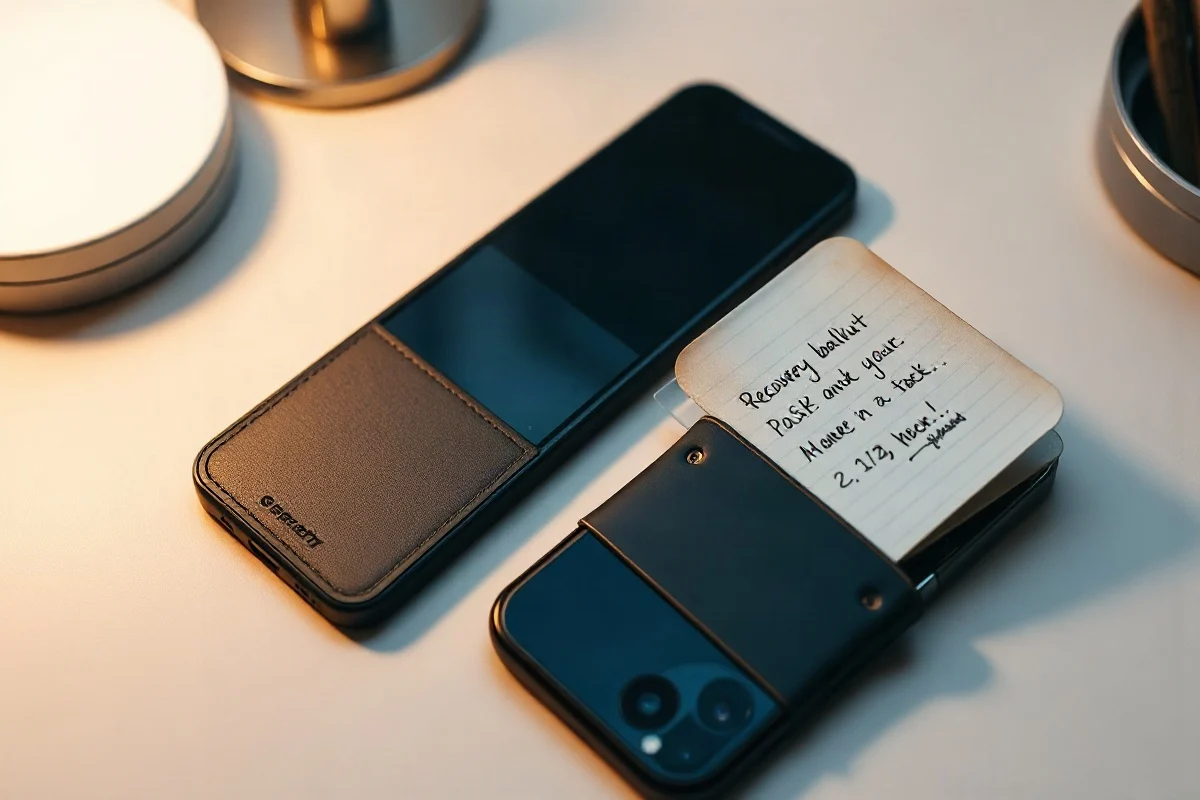
A hardware wallet is a small physical device that stores and protects the private keys used to control your cryptocurrency. It usually keeps those keys offline while you review transactions on a connected phone or computer. For first-time crypto owners, a hardware wallet can reduce exposure to certain online threats, but it does not eliminate risk: losing the recovery phrase, approving a malicious transaction, or buying a tampered device can still lead to permanent loss.
This guide explains the basic technology, the setup process, common security mistakes, and the practical questions to ask before moving assets from an exchange or software wallet. It is educational information, not personalized investment or security advice. Always verify current device features, supported assets, firmware instructions, and manufacturer policies through the official source before taking action.
What a hardware wallet actually does
Cryptocurrency does not sit inside a wallet in the same way cash sits in a physical wallet. Assets are recorded on a blockchain. A wallet stores the cryptographic keys that allow you to authorize transactions from an address.
A hardware wallet is designed to generate and protect those keys inside a dedicated device. When you send crypto, the transaction is generally prepared by a companion app or wallet interface. The hardware device then displays important transaction details and signs the transaction internally. The signed transaction is sent back to the connected computer or phone for broadcasting to the relevant network.

The central security idea is that your private key should not need to leave the device. A computer or phone can still be infected, compromised, or targeted by phishing, so the device is not a guarantee of safety. However, keeping key operations isolated can make some attacks more difficult than they would be with a wallet that stores keys directly on an internet-connected device.
Private keys, public addresses, and recovery phrases
Private keys
A private key is secret information that can authorize control over cryptocurrency associated with a blockchain address. Anyone who obtains the relevant private key, or the recovery information that can recreate it, may be able to move the assets. There is usually no bank-style customer service process that can reverse a valid blockchain transaction.
Public addresses
A public address is used to receive cryptocurrency. You can normally share an address when someone needs to send you funds, although you should still consider privacy because blockchain activity may be publicly visible. Before sending, check that the asset and network match the destination wallet. Sending an asset over an unsupported network can make recovery difficult or impossible.
Recovery phrases
During setup, many wallets generate a recovery phrase, sometimes called a seed phrase. This phrase is a human-readable backup for the wallet’s keys. It is usually the most important secret in the entire setup.
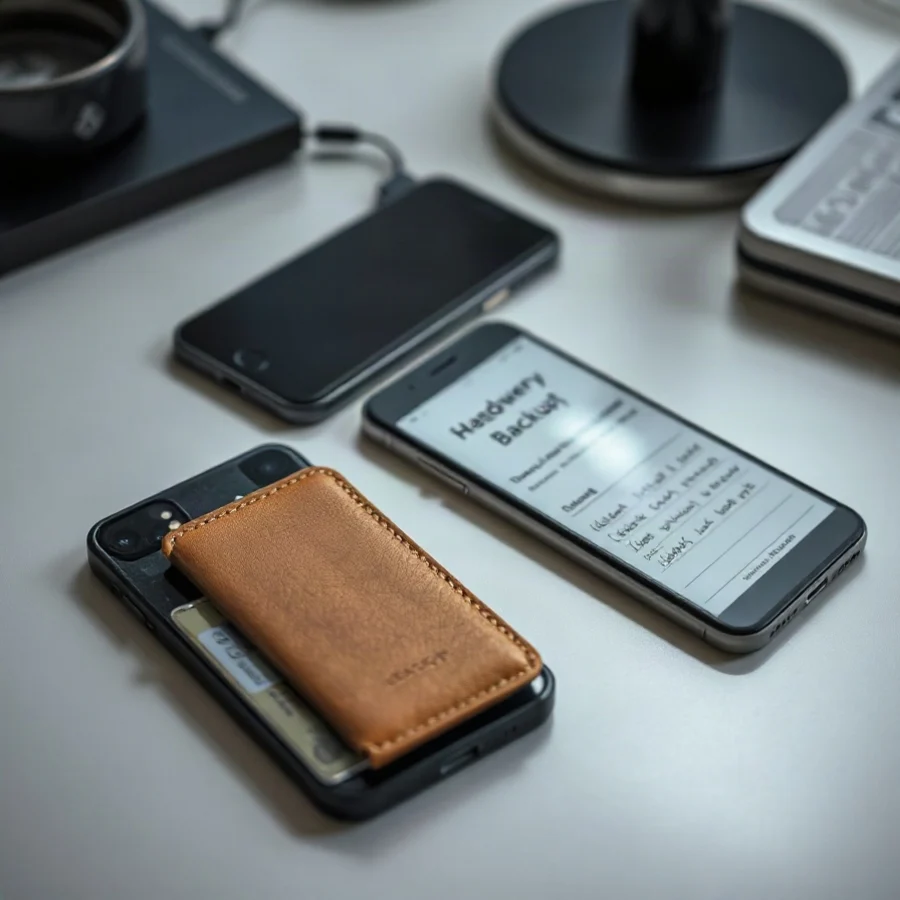
Never type a recovery phrase into a website, email, online form, cloud note, messaging app, or unverified support chat. Do not photograph it or store it in a password manager unless you have carefully assessed the risks and understand the consequences. Anyone with the phrase may be able to restore the wallet on another compatible device. Conversely, if the device is lost or damaged and the phrase is unavailable, access may be permanently lost.
Hardware wallet versus software wallet
A software wallet runs on a phone, computer, or browser. It can be convenient and may be appropriate for smaller amounts or frequent transactions, but its security depends partly on the device, operating system, browser, installed extensions, and user behavior.
A hardware wallet is a separate device intended to protect key material and require deliberate confirmation for transactions. It can be useful for people who hold assets for longer periods or want to separate signing from everyday browsing. The tradeoff is additional cost, setup complexity, physical handling, and the responsibility of securing a recovery phrase.
Neither option is automatically safe. A hardware wallet can protect a private key while you unknowingly approve a harmful smart-contract transaction. A software wallet can be used responsibly on a well-secured device. The right choice depends on your threat model, technical comfort, transaction frequency, and the amount you can afford to lose.
How to choose a hardware wallet
Buy from a trustworthy source
Use the manufacturer’s official store or an authorized seller, and inspect the packaging and device when it arrives. Current supply-chain protections vary by manufacturer and model, so review the company’s official guidance rather than assuming that a seal alone proves authenticity. If the device appears altered, already initialized, or accompanied by a prewritten recovery phrase, do not use it.
Check asset and network support
Not every device supports every coin, token, network, or smart-contract feature. Support can also change with software updates. Confirm compatibility for the exact asset and network you plan to use. A wallet that supports one version of an asset may not support a similarly named token on another network.
Review transaction visibility
Choose a device that lets you verify important details on the device itself, such as the destination address and amount, where supported. If the computer screen shows one address but the hardware device displays another, stop. Do not approve the transaction until you understand the discrepancy.
Consider backup and accessibility
Think about where the recovery phrase will be stored, who may need access in an emergency, and whether you can operate the device without relying on an unfamiliar third party. Some users consider durable physical backup materials, but the best method depends on personal circumstances. A backup should be protected from theft, unauthorized access, fire, water, and accidental disposal.
Setting up a hardware wallet safely
- Obtain the device through a reliable channel. Avoid secondhand devices and never use a recovery phrase supplied by someone else.
- Download the official companion software. Type the manufacturer’s address directly or use a verified source. Be cautious with search advertisements, look-alike domains, and unsolicited links.
- Initialize the device yourself. The device should generate a new wallet or guide you through restoring one you already control. Follow the current official instructions.
- Write down the recovery phrase offline. Record the words in the correct order. Do not share them with anyone, including people claiming to be technical support.
- Complete any verification prompts. Some devices ask you to confirm selected words or perform another backup check. Treat this as a critical step, not an optional formality.
- Set a strong device PIN. Do not reuse an obvious number or write the PIN next to the device. Remember that a PIN protects the physical device, while the recovery phrase can restore the wallet elsewhere.
- Update carefully. Firmware and companion applications can change over time. Verify update instructions through the current official documentation, and never enter your recovery phrase into an update window.
- Test with a small transfer. Send a small amount first, confirm the receiving address and network, and wait for the relevant confirmation before attempting a larger transfer.
For a broader review of wallet practices, visit the 錢包與安全性 section. If you are comparing a transfer’s network or transaction cost, a calculator can help organize assumptions, but it cannot verify that an address or network is legitimate.
Common mistakes that cause losses
Sharing the recovery phrase
This is one of the most serious errors. Legitimate support should not need your recovery phrase. Treat any request for it as a likely scam, regardless of the logo, message, or apparent urgency.
Approving a transaction without reading it
Phishing websites and malicious applications may ask you to sign transactions that transfer assets, grant token permissions, or interact with a contract. Read the request on the device when possible. If you do not understand what you are approving, reject it and investigate independently.
Confusing an address with an identity
A familiar-looking name, avatar, or contact record does not prove that a destination is safe. Copy-and-paste malware can replace an address, and scammers can imitate companies or individuals. Compare the address carefully and confirm it through a separate trusted channel when appropriate.
Keeping the only backup in one place
A recovery phrase stored only in a drawer may be vulnerable to fire, flood, theft, or accidental disposal. A phrase stored online may be exposed through account compromise. Consider physical resilience and access control together, and make a plan before you need the backup.
Sending unsupported assets or networks
Wallet interfaces may display similar asset names across different networks. Before sending, confirm the network selected by both the sending platform and the receiving wallet. Check current documentation because supported networks, bridge options, and recovery procedures can change.
Fees, transfers, and record keeping
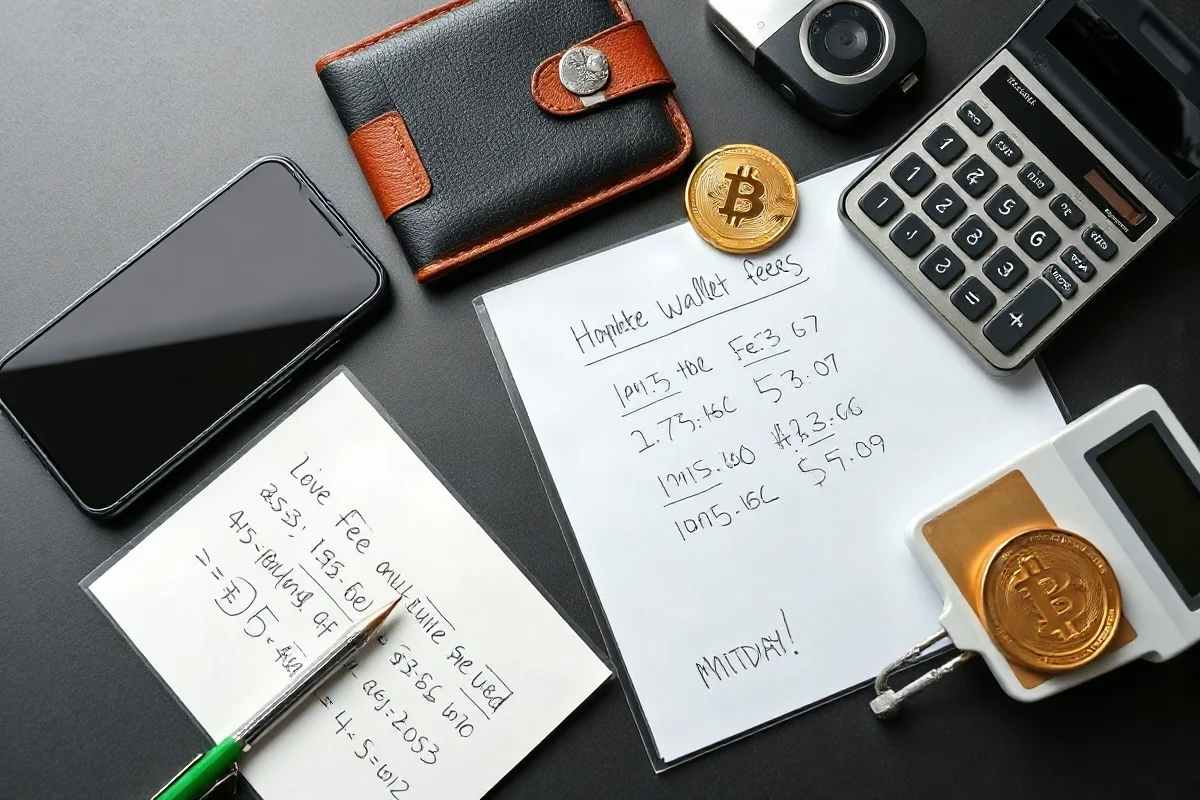
A hardware wallet itself does not determine every cost involved in moving cryptocurrency. Fees may come from a blockchain network, an exchange, a service provider, or a swap interface. The exact amount can be time-sensitive and may depend on network conditions, transaction size, and the selected service. Review the final transaction details before confirming. You can use the Crypto Fee Calculator to model fee assumptions, but compare its inputs with the current fee shown by your wallet or exchange.
Keep records of deposits, withdrawals, transaction IDs, dates, assets, networks, and fees. These records can help you reconcile balances and investigate mistakes. Tax reporting requirements differ by jurisdiction and may change, so do not rely on a generic calculator or online post as a substitute for current guidance from the relevant tax authority or a qualified professional.
What happens if the device is lost?
If the device is lost, damaged, or stops working, the recovery phrase may allow you to restore access using a compatible replacement wallet. The phrase, not the physical device alone, is the critical backup. Anyone who finds or obtains the phrase may also be able to restore the wallet, so protect it as carefully as you would protect unrestricted access to the assets.
If you believe the recovery phrase has been exposed, act cautiously. Do not enter it into a website or send it to support. Using a trusted, clean setup, consider moving assets to a newly generated wallet whose recovery information has not been compromised. The correct procedure can depend on the asset, wallet design, and threat involved, so consult current official documentation or a qualified security professional.
A practical first-time owner checklist
- Purchase through a trustworthy source and initialize the device yourself.
- Confirm the exact assets and networks supported by the current software.
- Write the recovery phrase offline and keep it private.
- Never enter the phrase into a website, app, form, or support conversation.
- Use a unique device PIN and protect the device physically.
- Verify addresses, networks, amounts, and permissions before signing.
- Test with a small transfer before sending a larger amount.
- Keep transaction and fee records.
- Review official security and firmware guidance as it changes.
A hardware wallet is best understood as one layer in a broader security process. It can help keep private keys away from some online threats, but careful purchasing, accurate backups, cautious transaction review, and realistic risk management remain essential. Before transferring meaningful funds, practice with a small amount and make sure you understand how recovery works.
Comments
0No comments yet. Be the first to share a helpful note or question.
Leave a Comment
Your email address will not be published. Comments are reviewed before appearing on the site.